Questions people ask first
Will it delete my Windows files?
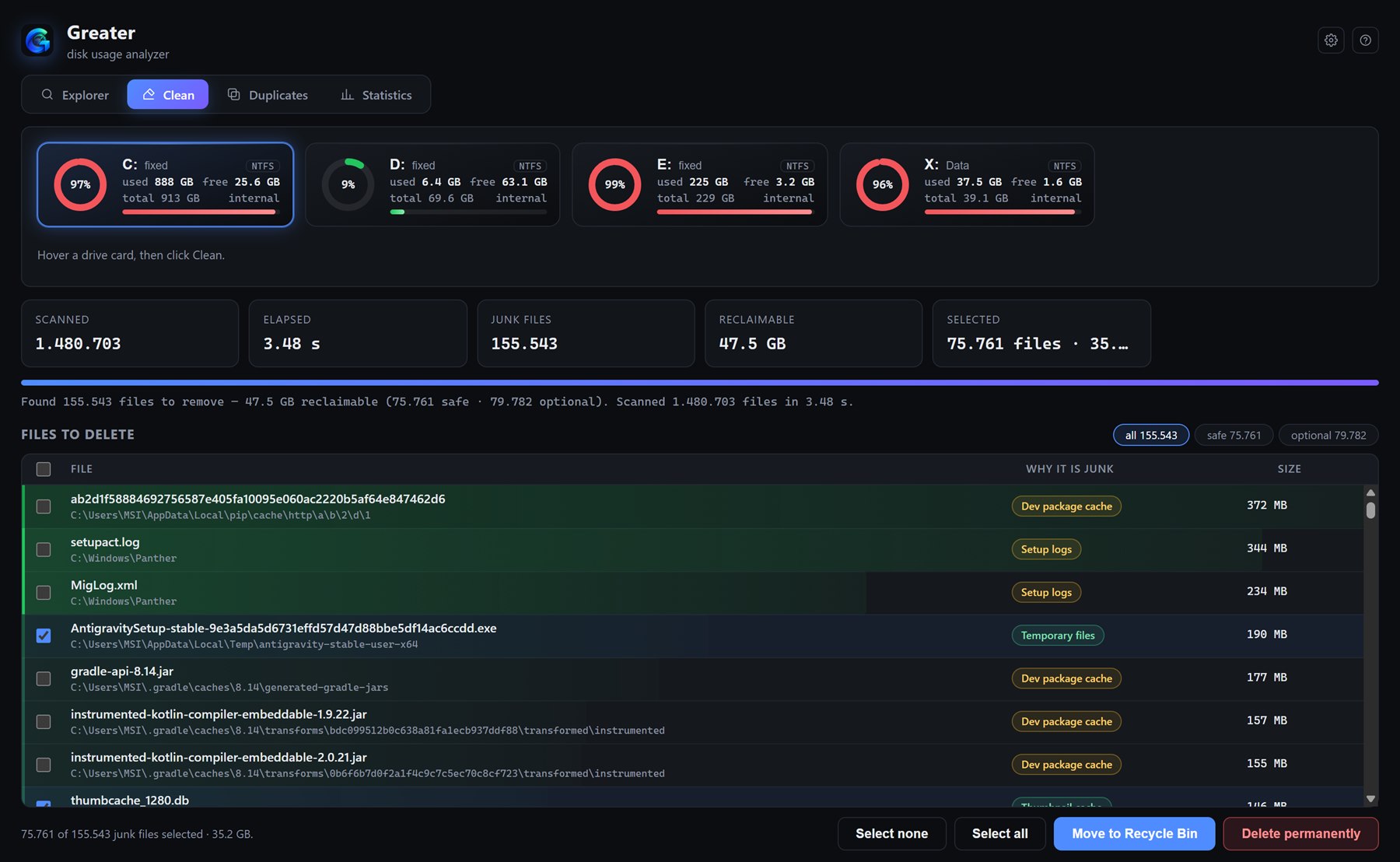
No. Junk rules only match a fixed whitelist of scratch locations (temp folders, caches, logs, download leftovers). Page file, hibernation file, boot and BCD files, and System Volume Information are blocked outright. On a real system drive, the 155,543 files Greater proposed were all inside temp and cache folders — and every one of them was shown in a list before anything happened.
Do I need to run it as administrator?
Scanning works fine without it. Installing needs administrator approval once because the app goes into Program Files for all users. Deleting files owned by SYSTEM (some Windows update leftovers, for example) needs elevation too — without it those specific files are reported as "could not be removed" and left alone.
Why were some files not deleted?
Two reasons, both shown in the progress dialog. Either the file is open in a running program (close it and try again), or it is owned by SYSTEM and needs an elevated run. Greater never forces a delete past a lock.
Can I undo a deletion?
Yes, if you used the Recycle Bin — restore from there as usual. Permanent delete is permanent; that is why it is a separate button with its own confirmation.
How can it scan a million files so fast?
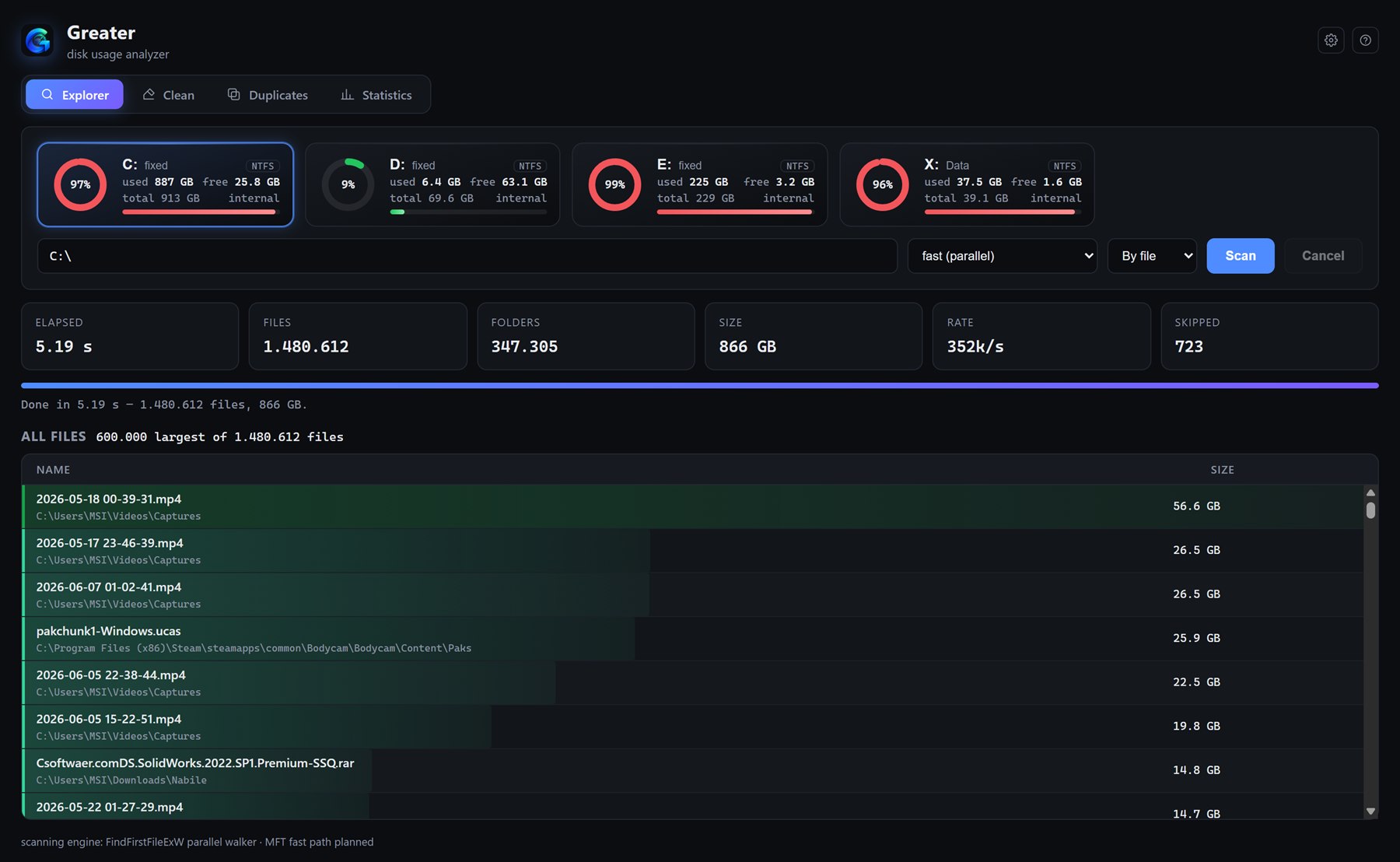
Greater uses the Windows directory enumeration API directly from many threads at once, with large-buffer fetches, instead of asking the shell for one file at a time. It skips reparse points, keeps long paths intact, and streams results to the window while the walk is still running.
Does it send anything over the internet?
No. There is no telemetry, no analytics, no update check and no account. The app only talks to your own disk.
Which languages does the interface support?
English, French, Spanish, German and Arabic — including full right-to-left layout for Arabic. You can switch language at any time from the settings button.
Is it free?
Yes — download and use it at no cost, with no account and no nag screen.
Why does Windows warn me about this download?
Because the installer is not code-signed. A code-signing certificate costs a few hundred dollars a year, and this release was published without one — so Windows cannot show a verified publisher name, and SmartScreen has no download history to judge the file by. The result is a reputation warning ("unrecognized app"), never a virus detection. Instead of trusting it, you can verify it: the SHA-256 fingerprint published above belongs to the exact installer built and tested here. If your file produces the same fingerprint, it is byte-for-byte identical. If you would rather not click past a warning, do not install it — that is a reasonable choice.